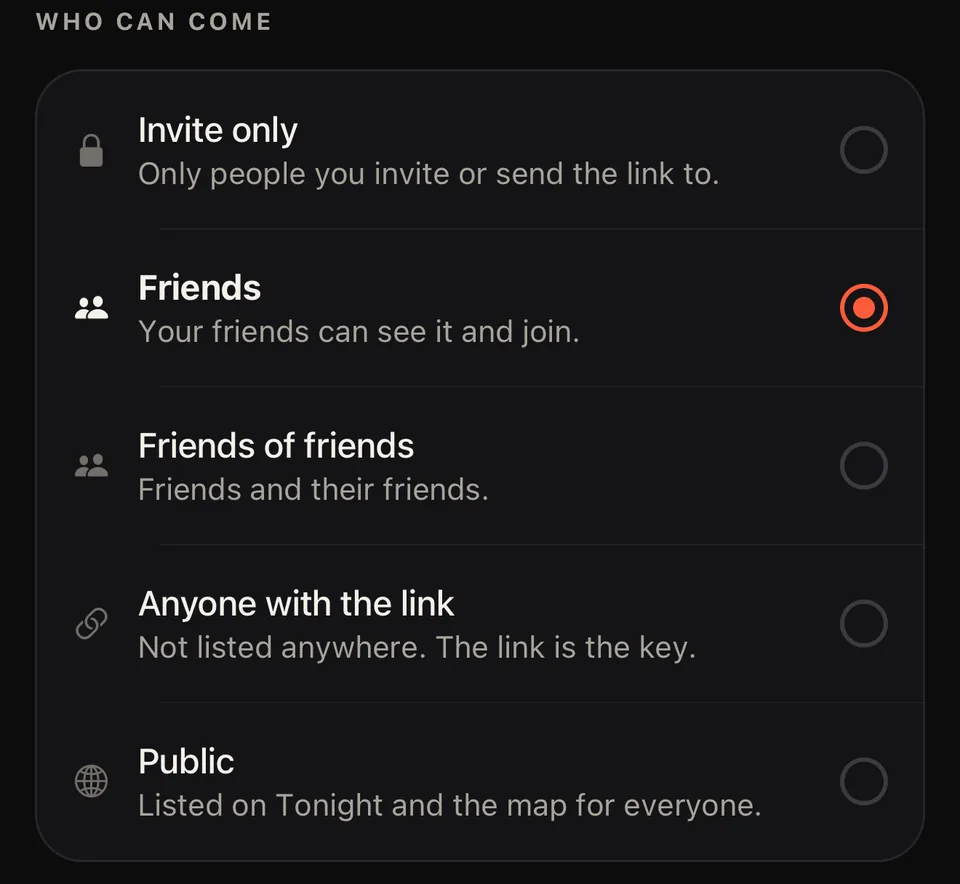
Five ways to decide who can see it
From invite only to public on the map, with friends and friends of friends in between.
Create a house party in about a minute, send one link, decide who gets in, and check everyone in at the door with a single scan.
Coming soon to iPhone. Invitations already work in any browser, so guests don’t need the app to join.
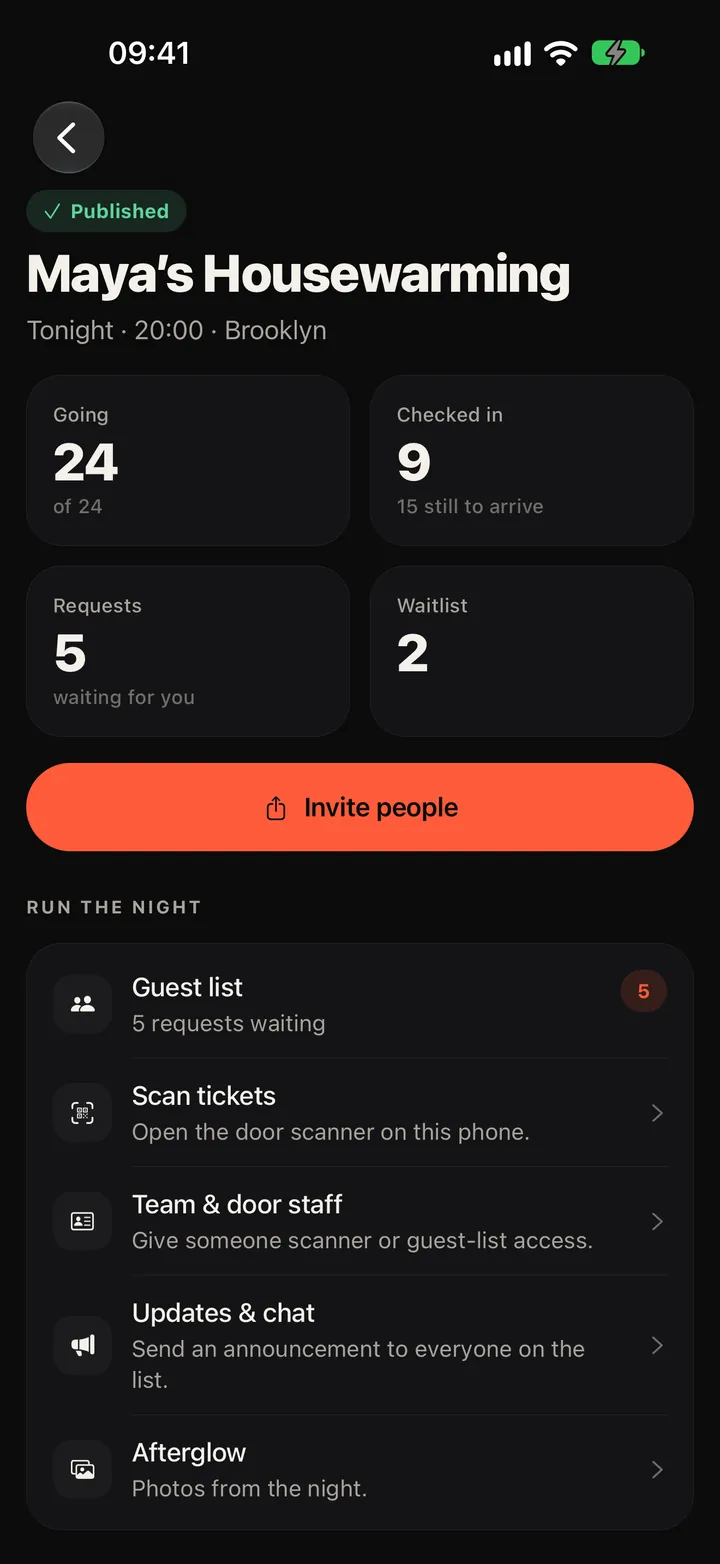
You set everything up in the app. Your guests only need the link.
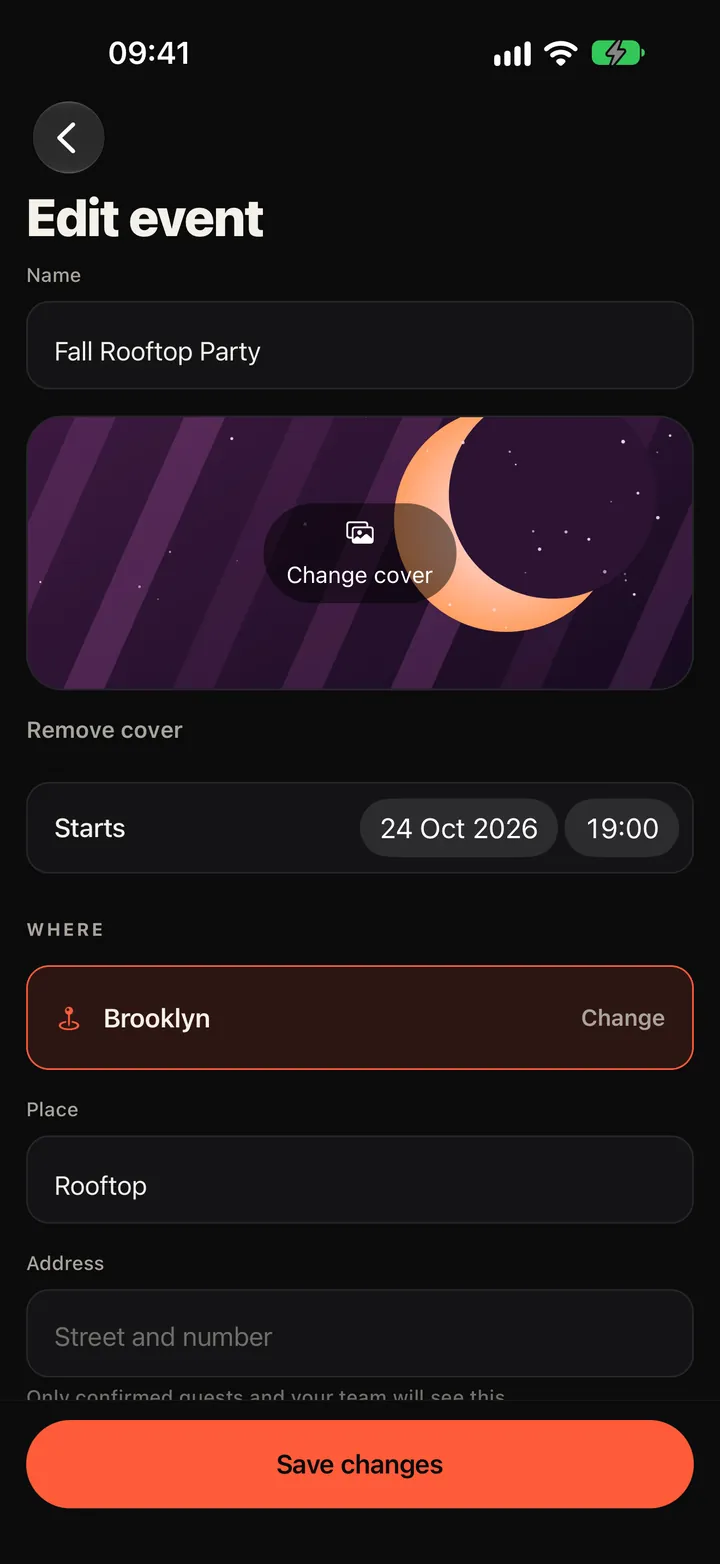
Name, time, place, and who can come. It takes about a minute in the app.
Send your invitation link to a group chat, a story, anywhere. It opens in any browser, and guests can join without the app.
Requests land on your guest list and you say yes or no. When you’re full, new guests join a waitlist and move up automatically.
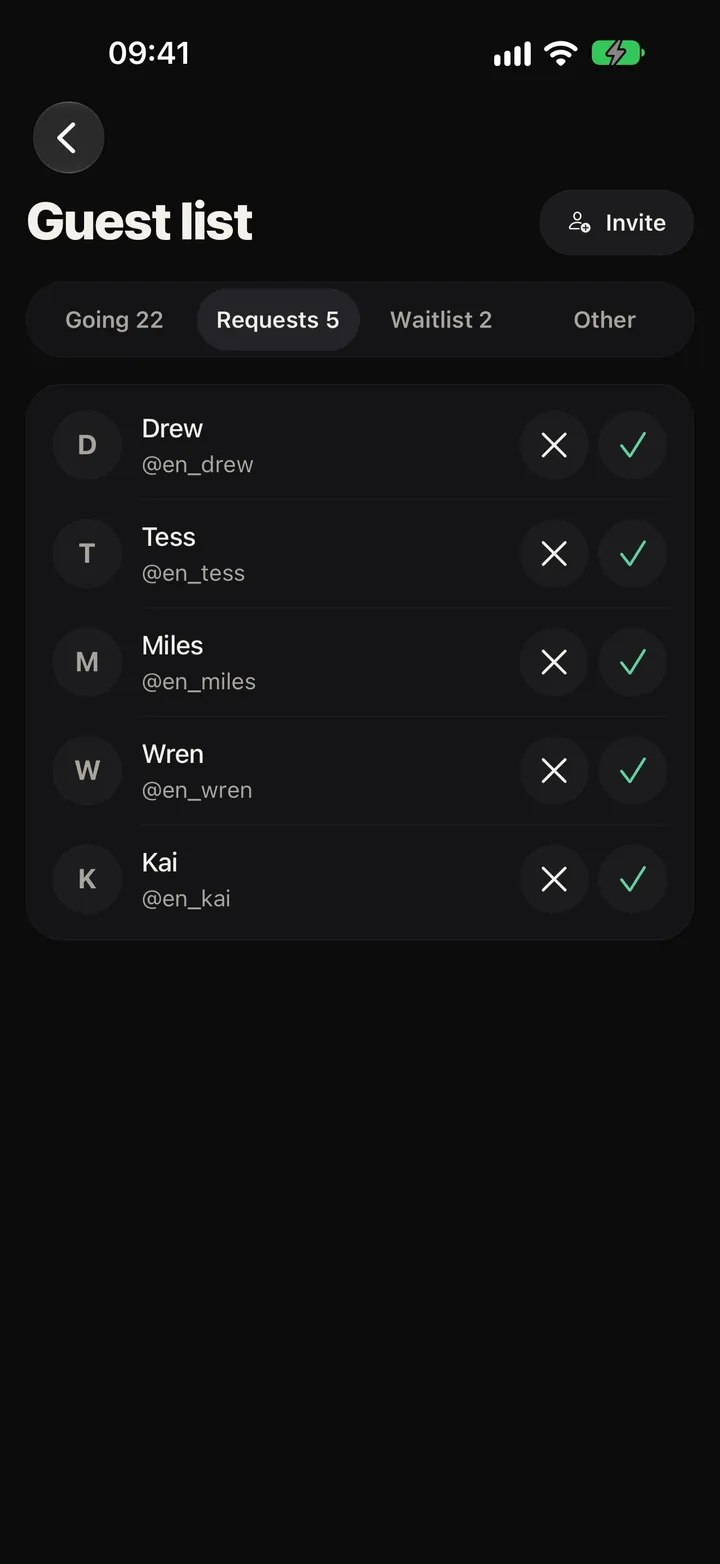
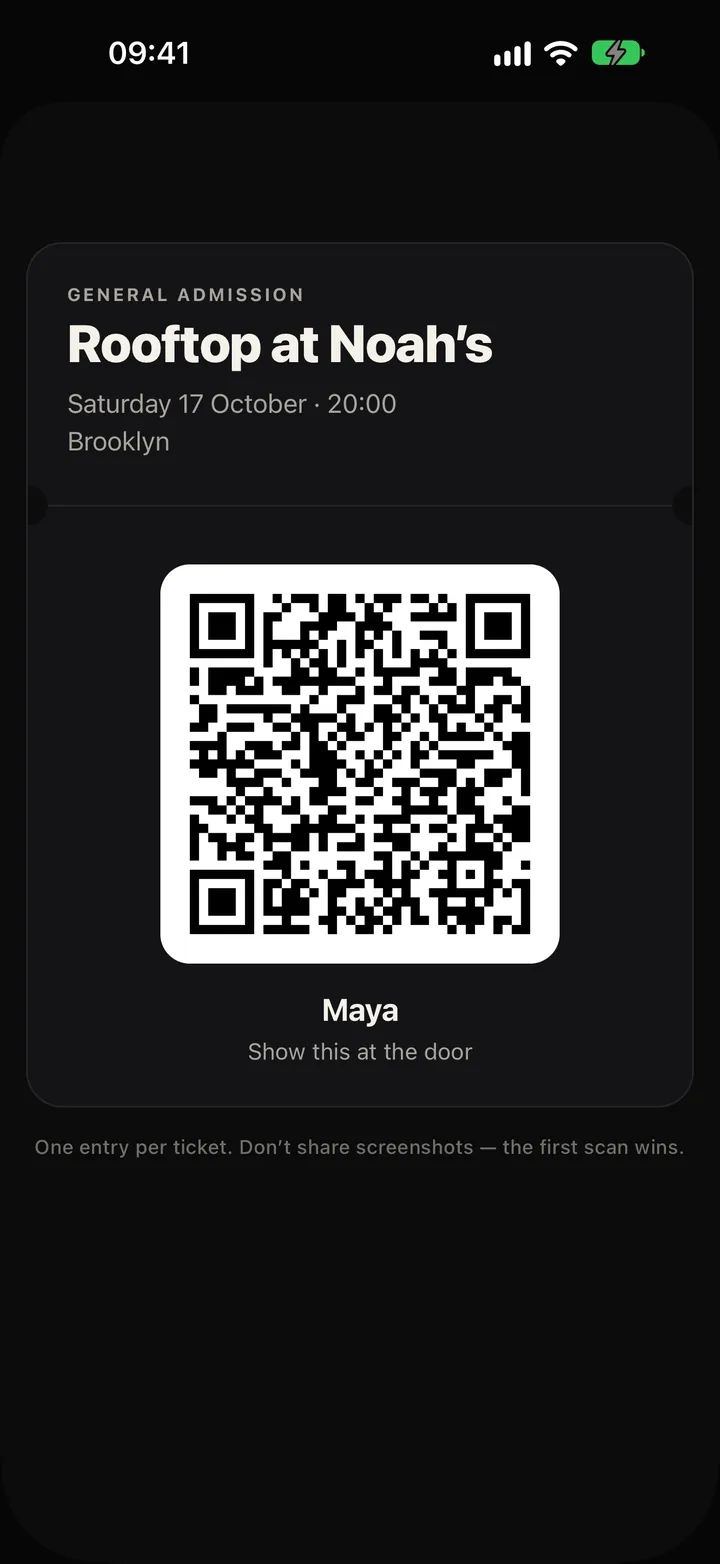
Every guest has a QR ticket. One scan, one entry, and a ticket that was already used says so. Your door staff get the scanner, not your account.
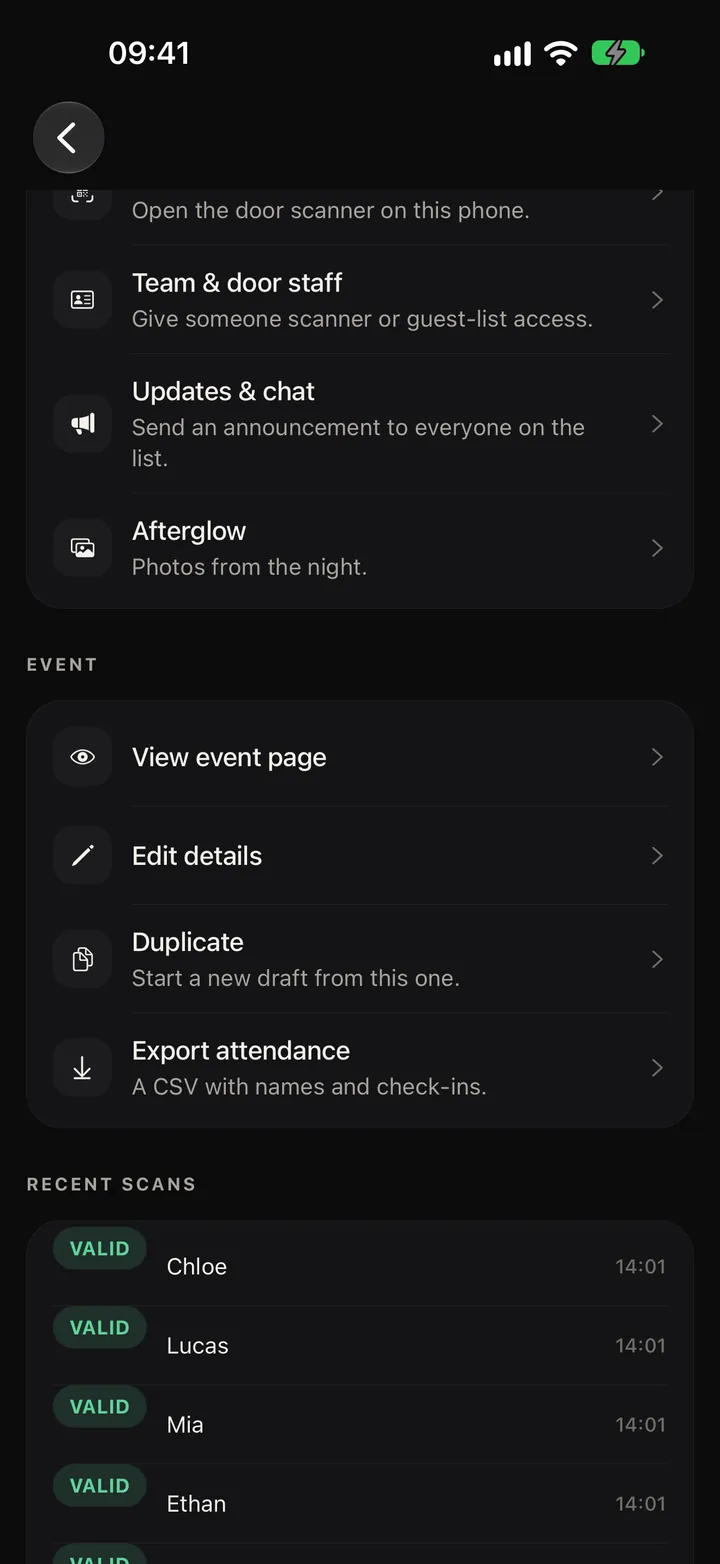
You decide who hears about it, who comes, and who knows where.
From invite only to public on the map, with friends and friends of friends in between.
Only guests you confirmed and your team see the exact address. Everyone else sees the area.
Set a limit and how many people each guest may bring. Every +1 gets their own ticket.
Give friends access to the scanner or the guest list instead of handing over your phone.
See how many people are in and how many are still to arrive.
Download names and check-ins as a CSV file.
Reach everyone on the list at once, and let guests talk before the night.
Photos from the night, visible only to confirmed guests.
Charge for entry and get paid.
Party keeps 5 % plus a small fixed amount per ticket (CHF 0.50 in Switzerland) — card fees included; guests pay exactly your price.
Paid tickets for hosts in 41 countries — most of Europe, the UK, the US, Canada, Australia, New Zealand, Japan, Singapore, Hong Kong, Mexico and Thailand; free events work everywhere.
You set the entry price.
Guests pay on Stripe’s secure page by card, Apple Pay or Google Pay, and get their ticket at once.
Stripe pays your share to your bank account.
If you cancel, every guest is refunded automatically.
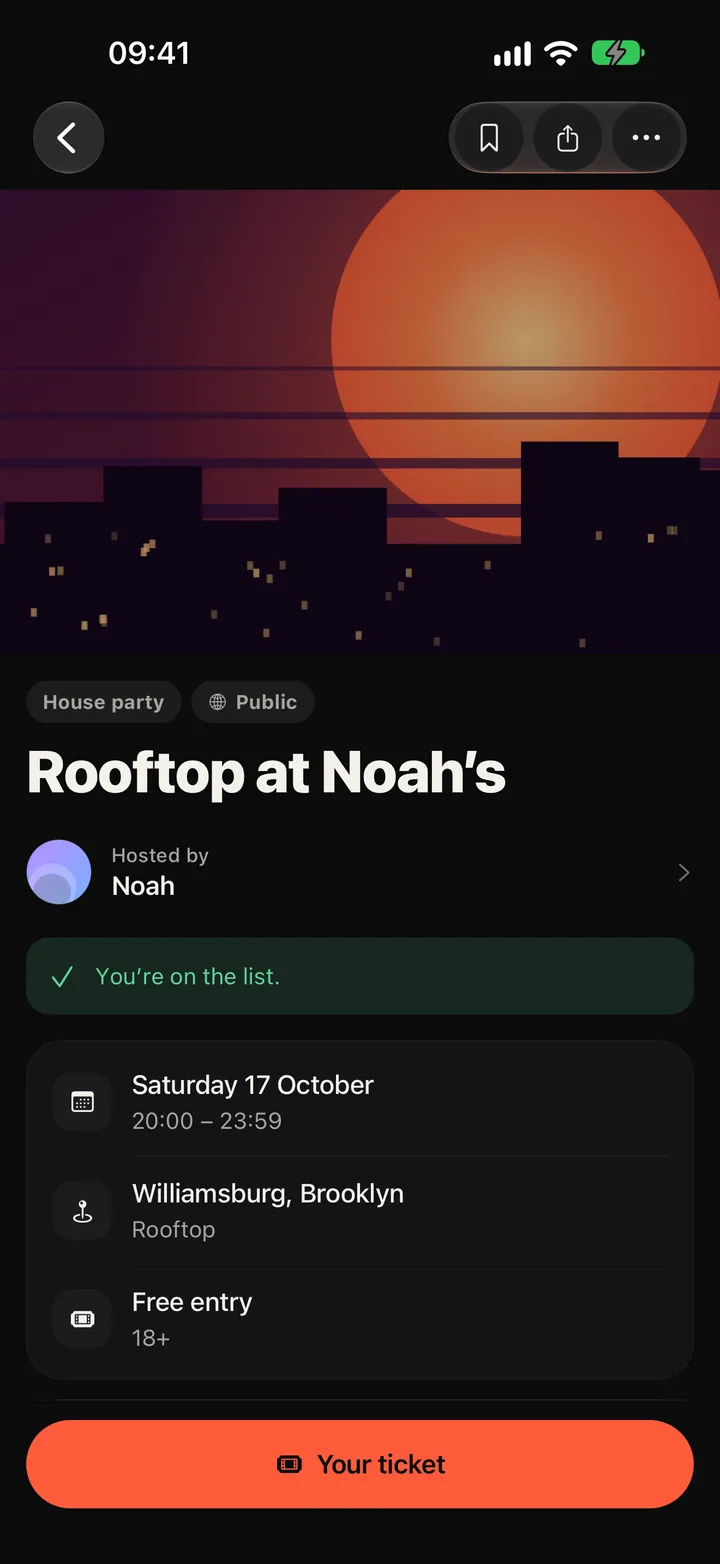
No download needed. Guests open the invitation in their browser, sign in, and get their ticket.
Invitation links work on any phone or computer.
One ticket per guest, scanned once at the door.
Add the ticket to Apple Wallet from the website or the app.
House parties and other events near you, on a map.
Party is for people 18 and over. Your date of birth is checked when you sign up.
Report an event, a profile, a message or a photo from its menu. People you block no longer see your profile or your plans.
Reports are reviewed by a person on the Party team.
The exact address of a private party only goes to confirmed guests and the host’s team.
Coming soon to iPhone. Invitations already work in any browser, so guests don’t need the app to join.